Shipment reconciliation automation: Why the dates mattered more than the export
How a logistics team matched ShipStation shipments, monday.com orders and Stripe payments, and what to test before trusting an automated close.
Last updated
On this page
An order opened on Thursday, a label was created on Friday and the parcel shipped on Monday. Which week should finance count it in? Two exports can both be accurate and still disagree if one filters by creation date and the other by ship date.
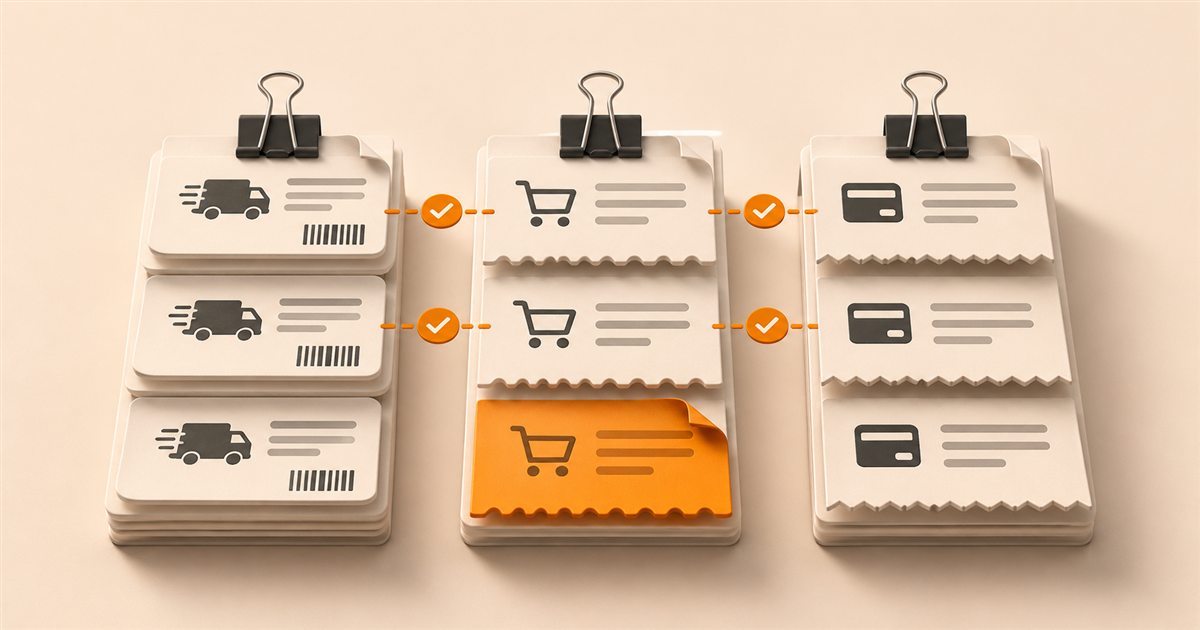
That was a real source of friction in our US logistics reconciliation project. A Python engine cross-referenced ShipStation shipments, monday.com orders and Stripe payments. The team went from around 20 hours a month of manual matching to near zero. People still reviewed discrepancies.
Key takeaways
- Define each reporting date before joining records.
- Match stable IDs and route ambiguous records to finance.
Decide which date answers each question
Use ship date when the question is what left the warehouse. Keep order creation date for the order lifecycle and keep payment timestamps for payment activity. Document the time zone and cutoff so a late Sunday shipment does not silently move between periods.
Stripe also distinguishes activity in the Stripe balance from the transactions included in a payout. If the question is why a bank deposit differs from gross receipts, use the appropriate Stripe reconciliation report instead of treating the payment timestamp as the deposit date.
| Question | Start with | Check separately |
|---|---|---|
| What shipped in the period? | Shipment and ship date | Voids and labels that never shipped |
| What did it belong to? | Order reference | Split shipments and duplicate references |
| What money moved? | Payment or balance transaction | Refunds, fees and payout timing |
Make the exceptions useful to finance
Start with stable references and retain the source IDs on every result. One order can have several parcels, so seeing the same order twice is not by itself a duplicate. An amount or a name can help a reviewer investigate, but it is too weak to close a match on its own.
Give the reviewer a reason, such as missing order, more than one candidate or amount mismatch. Include the report period and links or IDs they can use to inspect the records. This turns a long list of red rows into a queue people can actually clear.
Test one closed period before relying on the output
Run the automation against a period finance already closed. Compare counts by source and totals by currency, then check a few matched rows and every type of exception. Run the same input twice and confirm it does not create duplicate output.
Use a Friday label that ships Monday, a void and replacement, and a payment refunded in the next period as fixtures. If a source is missing, mark the run incomplete rather than presenting it as a balanced close. For the warehouse visibility side, see ShipStation to monday.com order sync.
The takeaway
Pick the date rule and match keys with finance first. Automate repeatable matches and leave a traceable review queue for the rest.
The cover is an illustration. The example records and test scenarios are illustrative. How we write these guides.